Make it easier to book directly from your website

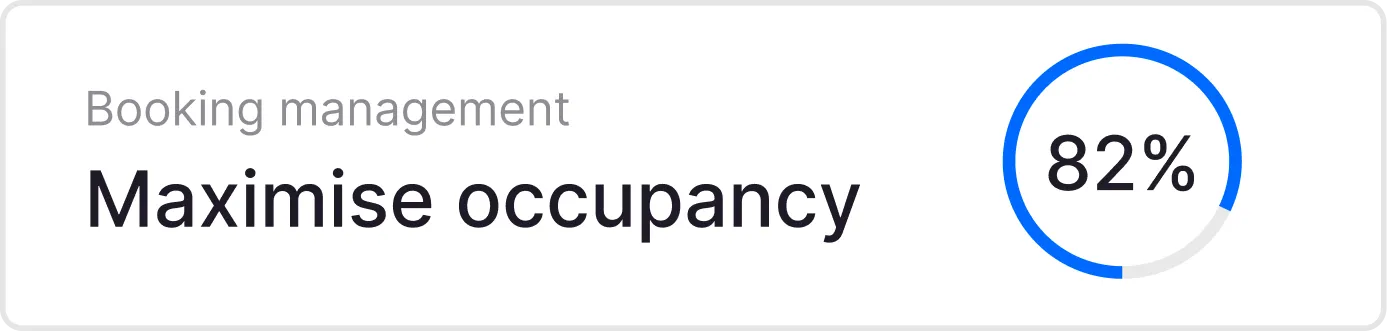



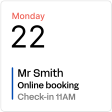


Built to keep your calendar busy




No commission
Receive 100% of your revenue with direct hotel bookings

Upsell extras
Increase revenue by offering add-ons like breakfast or parking.

Secure Payments
Integrated payment system keeps guest data safe and compliant.

Simple tools, strong results
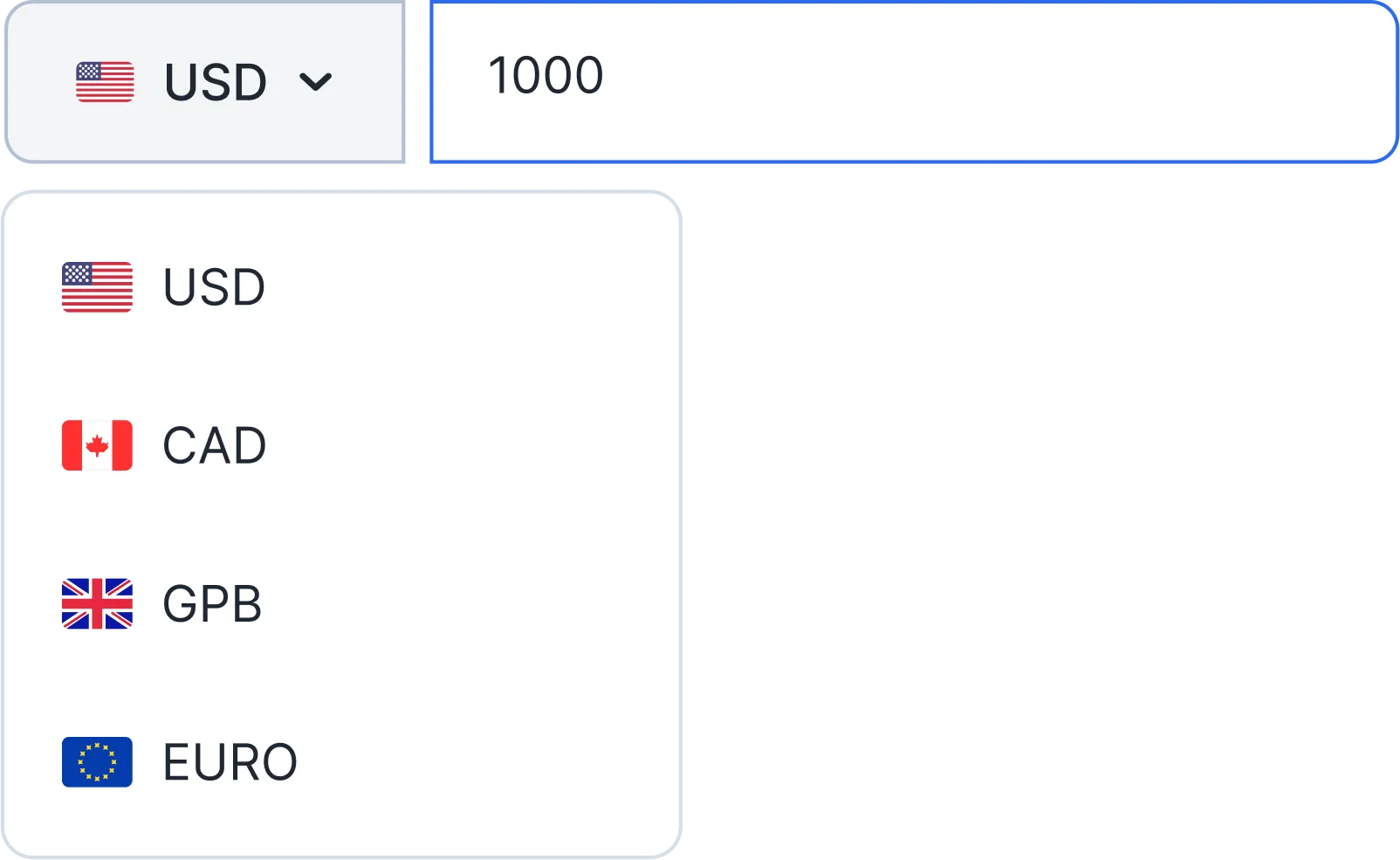
Multi-language & multi-currency
Attract international guests with a booking engine adapted to them.
.svg)
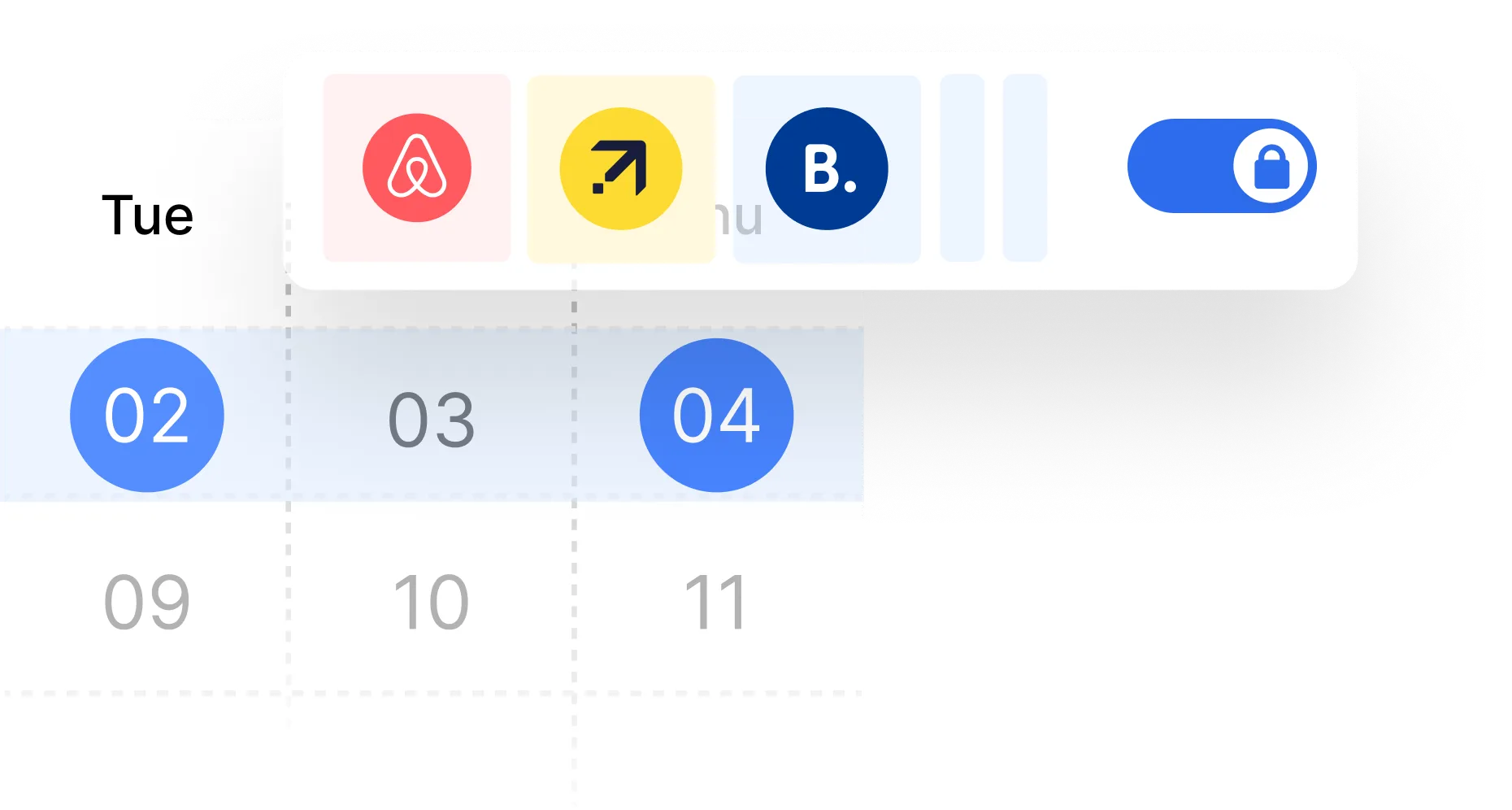
OTA connection and instant updates
Sync availability and prices with OTAs in real time.
.svg)
Mobile first
Perfect booking experience on any device, especially mobile.

Optimized for conversion
User-friendly design built to maximize hotel booking completion.



Customizable.
Adapt the booking form to match your hotel brand and style.

Extra services upsell.
Offer breakfasts, late check-out, or spa access during the booking flow.


Automated emails and confirmations.
Reduce manual work with instant confirmations and reminders.

Real Stories. Real Results.


Seamlessly Connected with the Tools You Already Use
Amenitiz integrates effortlessly with the world's leading travel platforms and software solutions, like Booking.com, Google, Expedia, Airbnb, and more.







All you need to know about our booking engine
Amenitiz combines four tools to drive direct bookings: an SEO-optimized hotel website that ranks on Google, a native booking engine with 0% commission, PriceAdvisor for real-time smart pricing, and AmenitizBoost to appear in Google Hotel Ads alongside OTA listings. Every direct booking saves the 15–25% commission you would otherwise pay to an OTA.
Look for features like customised branding, easy room selection, integrated upselling, multiple language support, multiple payment options, discounts and promotions, and booking tracking. At Amenitiz, we believe that having a responsive engine optimised for mobile is key, this is why our hotel booking system has all these features.
The integration has to be seamless to ensure real-time availability and rates across all channels. In Amenitiz, thanks to our all-in-one solution, this process is automated to save you time.
Amenitiz’s booking engine enables customisation options that match the appearance of your brand, so your look and feel is consistent with your website.
Insights like most popular rooms, booking abandonment rate, average time to book, etc. can help understand customer behaviors.
No. Amenitiz charges 0% commission on all direct bookings made through the booking engine, on every plan. You pay a flat monthly subscription and everything else stays within your property. There are no per-booking fees, no percentage cuts, and no hidden charges on your direct revenue.
Yes. The booking engine is included in both the Core and Advanced plans at no extra cost. It syncs availability in real time with your channel manager across all connected OTAs. If you also want a professionally built hotel website, this is available as an add-on on top of either plan.
Guests select a room type when booking through the Amenitiz booking engine, not a specific room. If a room type has multiple units (for example, 3 Double rooms), the system automatically allocates the specific room based on availability once the booking is confirmed. The hotelier can then reassign rooms manually from the PMS calendar if needed.
Yes. Availability is managed in real time. When a room is fully booked for a date, the calendar in the booking engine shows those dates as unavailable and prevents guests from selecting them, eliminating the risk of double bookings.
After a guest selects a room, the booking engine prompts them to add any available extras before completing the reservation. Extras are presented as selectable add-ons at checkout, making it easy for guests to customise their stay and increasing your average booking value.
Yes. You can configure rate plans that do not require prepayment, allowing guests to pay on arrival. Payment rules: including whether a deposit, full prepayment, or on-arrival payment is required, are set per rate plan inside your Amenitiz dashboard.
Guests can pay a deposit, make a full prepayment, or choose a split payment directly through the booking engine at the time of booking. The payment options available to guests are controlled by the rate plan you configure in your dashboard.
No. Prepayment requirements are fully configurable per rate plan. You can set any deposit percentage, require full payment, or offer pay-on-arrival, depending on your cancellation policy and commercial strategy.
Yes. You can configure automatic charges tied to your cancellation policy. For example, a non-refundable rate plan can trigger an automatic charge on cancellation, set as a percentage of the total stay price. No manual action is required — the system applies the rule based on the rate plan the guest booked.
Yes. Group bookings are supported natively in the Advanced plan. You can register a group arrival, manage multiple rooms under a single reservation, and handle the associated payments and communication from your dashboard.
Amenitiz does not include a dedicated pool management module. The platform focuses on core hotel operations: reservations, channel management, guest communication, and payments. For specialised facilities management, you may need a third-party tool.
Yes. You can create sub-categories within a room type to differentiate rooms by view, floor, or any other attribute. This allows guests to browse and select specific room variants through the booking engine.
Room availability, open and closed dates, and the number of units on sale are all managed in Planning → Inventory in your Amenitiz dashboard. Changes sync automatically to all connected OTAs in real time.
Join 15K+ hoteliers
simplifying their daily
operations with Amenitiz.