Hotel POS system
Your restaurant, finally part of your hotel
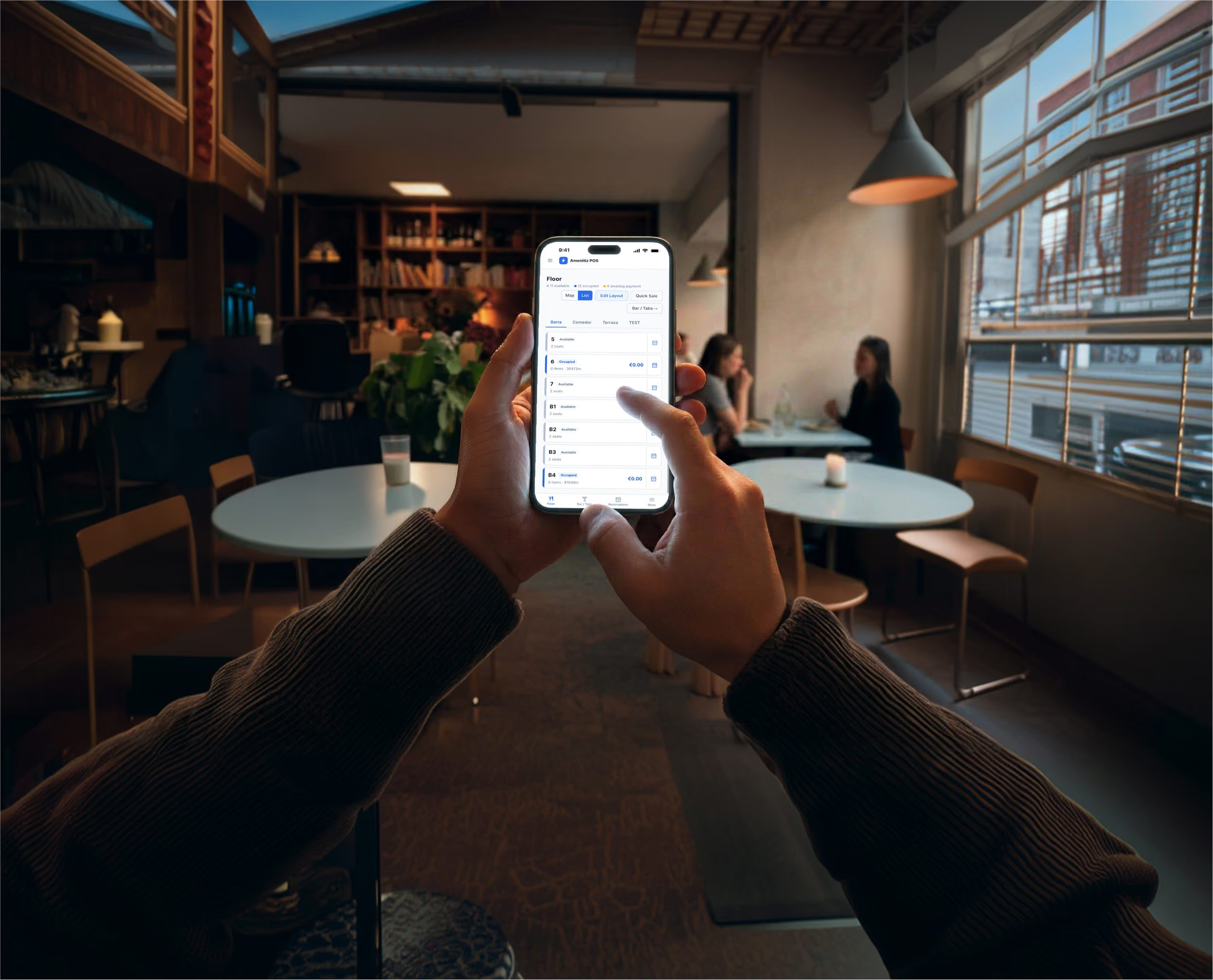
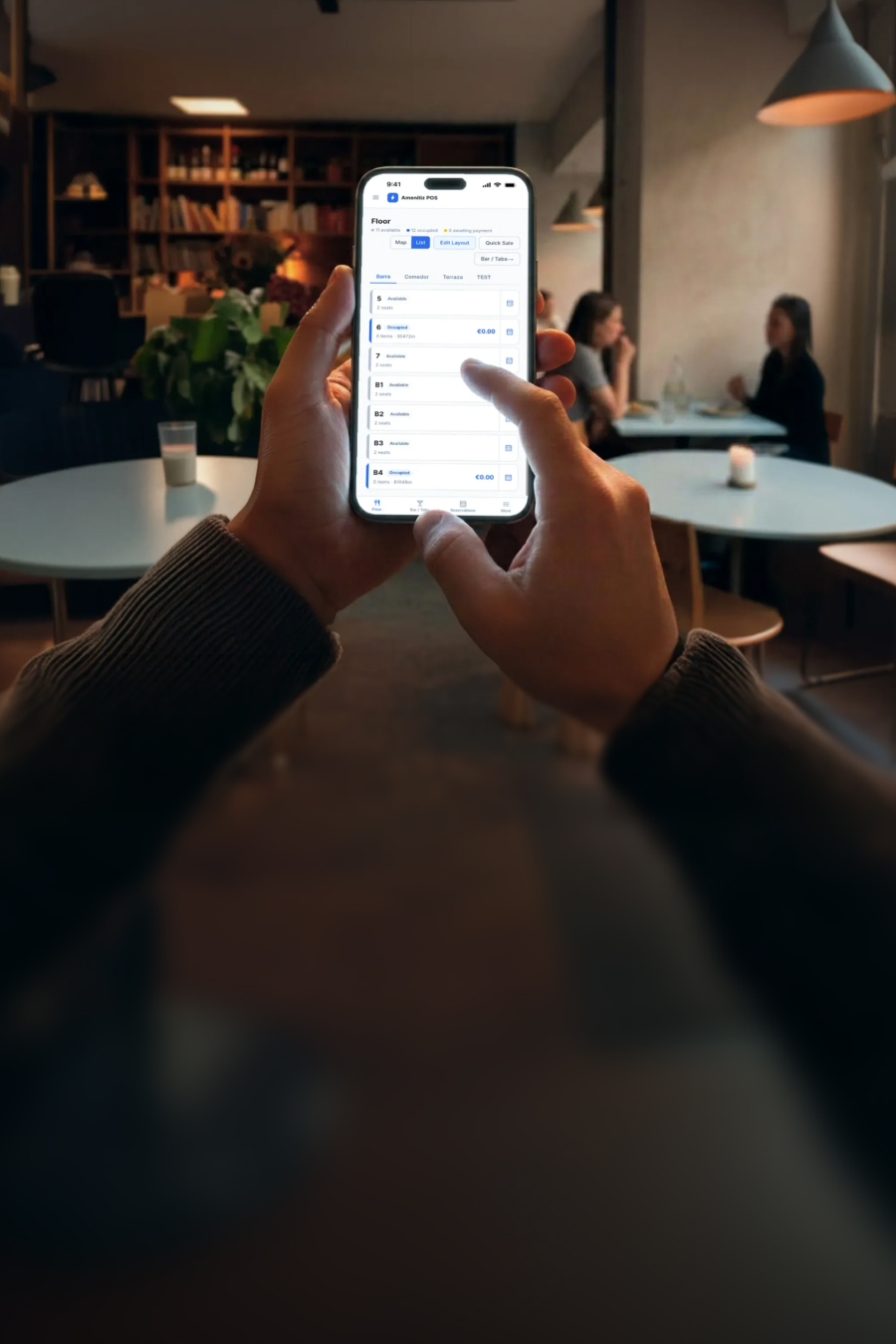
POS that talks to your PMS. From the floor to the kitchen to payments, Amenitiz POS runs the whole F&B outlet from a tablet, enabling hoteliers to post charges straight onto the guest's room bill. Now your whole property can finally run on one system with a single view of what your property earns.
See how Amenitiz POS worksHow it works
When your rooms and restaurant run on one system, the details take care of themselves.




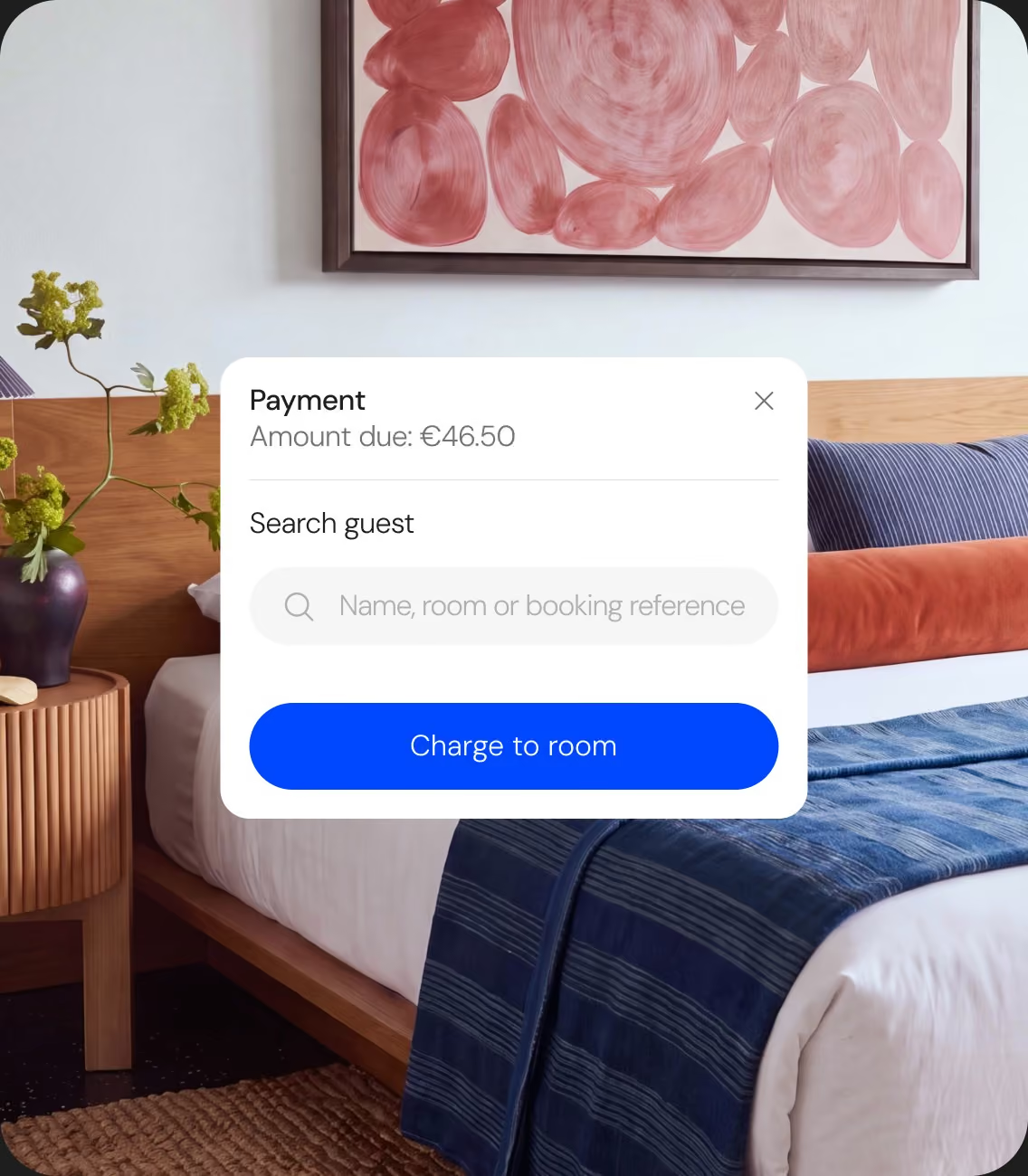
“Charge it to my room” actually goes on the room
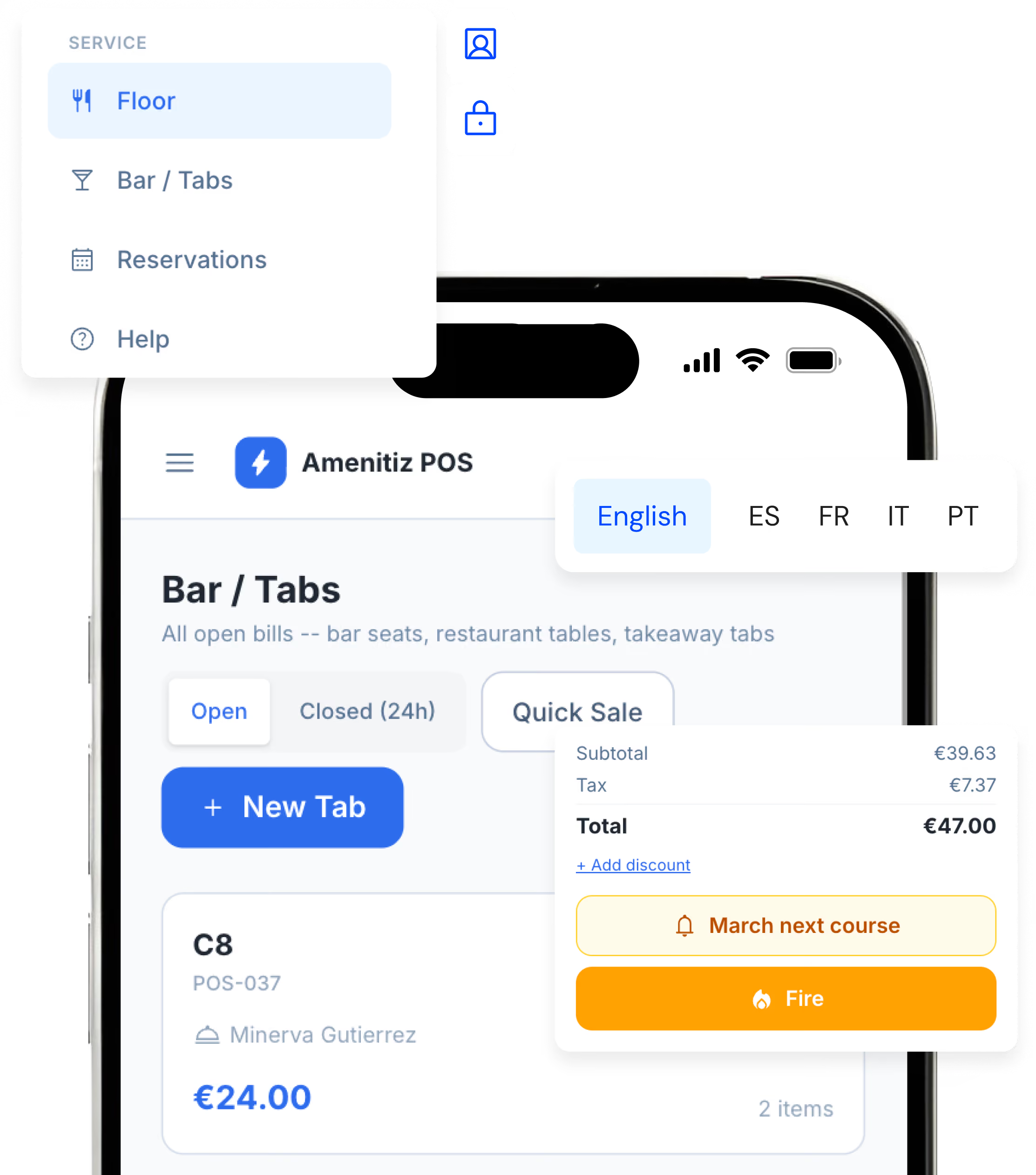
Charge-to-room with zero re-typing. Simply search the guest by name, room number, or booking reference, tap once, and the bill goes to the guest’s room folio in the PMS. Itemised and settled at checkout like any other extra. No more paper slips, manually typing into folios at midnight, or charges at checkout that nobody can trace.
All you need. Right here.
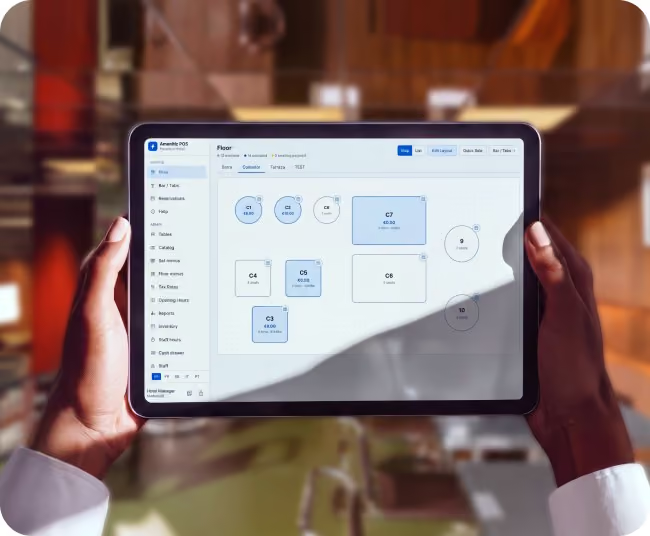
The floor, the way you actually work it
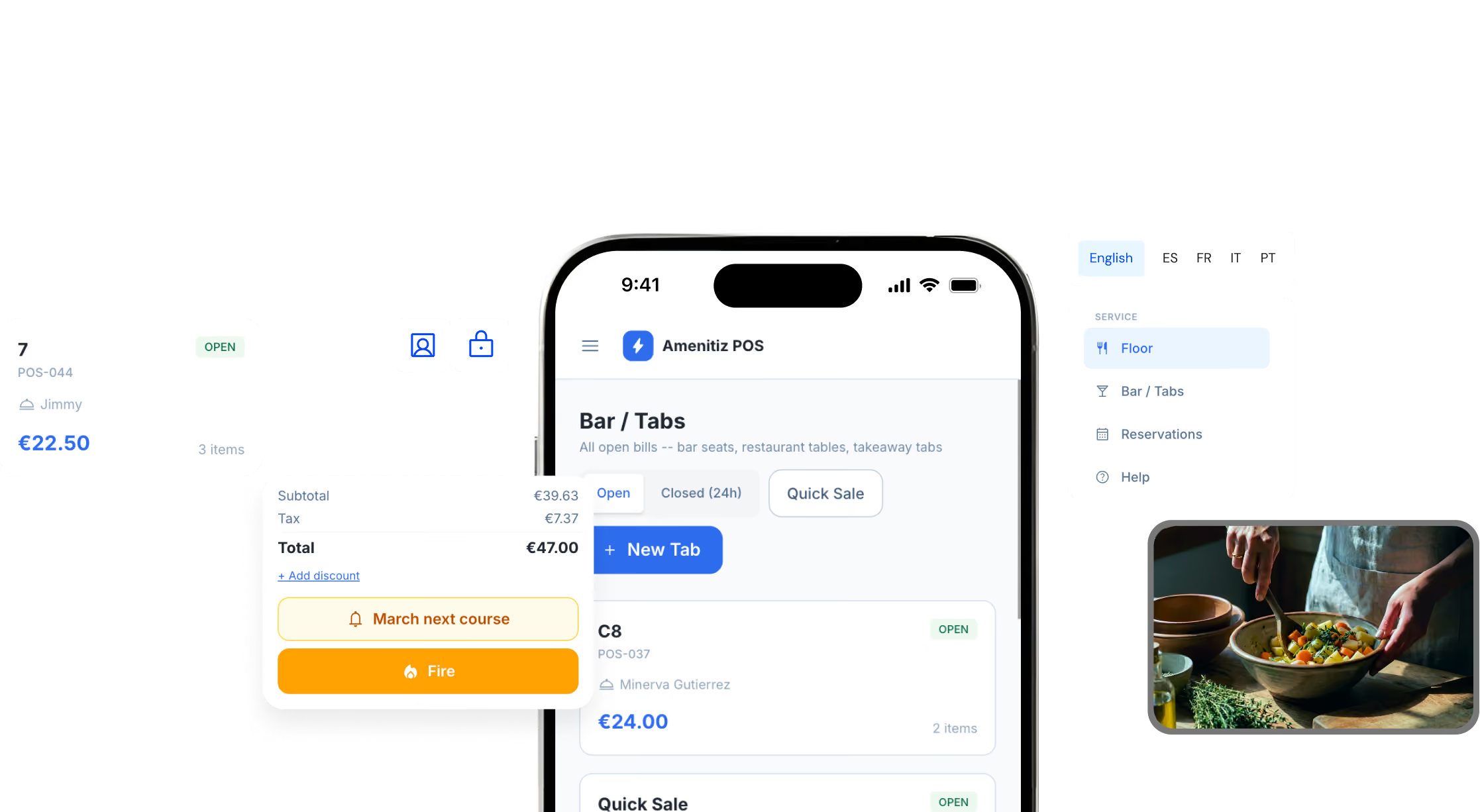
View the floor as a colour-coded plan by area or a straight list of open tabs, whichever matches how your team reads the room. Merge tables for a big party, hold separate checks on one table, or fire off a quick sale for a walk-in at the bar. Menus adjust by area, and reservations come with table suggestions and automatic no-show handling.
The kitchen gets the order, every time
Never lose an order or charge. Items route to the right printer by category: food to the kitchen, drinks to the bar. Fire by course, then move on to the next one. If a printer is off or the network drops, the ticket waits and retries on its own.

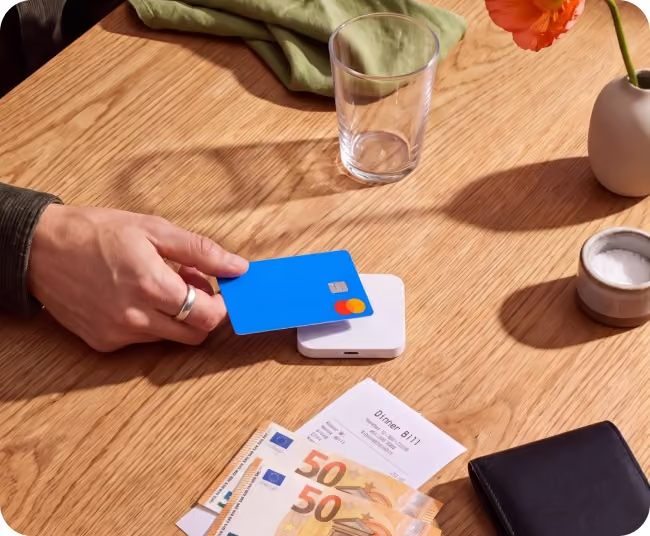
Available every way a table wants to pay
Accept cash with change due, card, or charge to room. Split the bill evenly, by item, or by amount, each part settled its own way, with its own receipt. Partial payments keep the bill open until everything's paid, tips stay separate from revenue, and discounts require a manager's PIN.
Every action, tied to a person
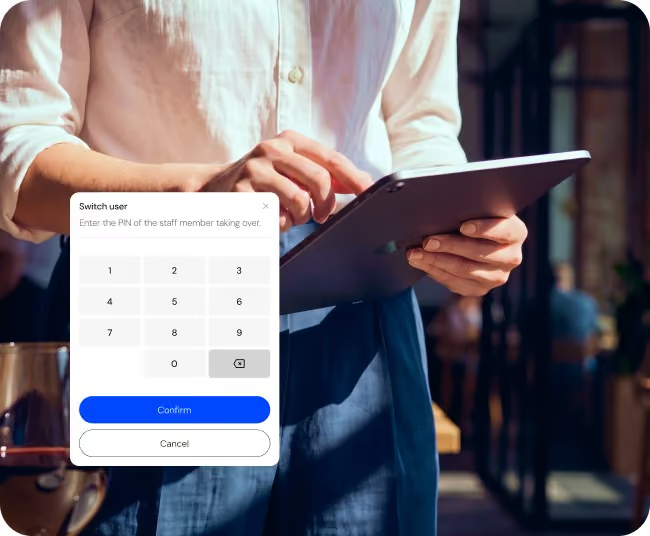
No more passwords needed on the floor. Staff tap their name and PIN on a shared tablet, where every action is accounted for. Voiding, refunding, or applying a discount requires a manager's PIN, and the screen locks itself after five minutes of idle time. Clock-in tracks who's on shift with hours you can correct later for payroll.
Know how the night went before you close up
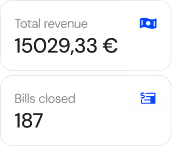
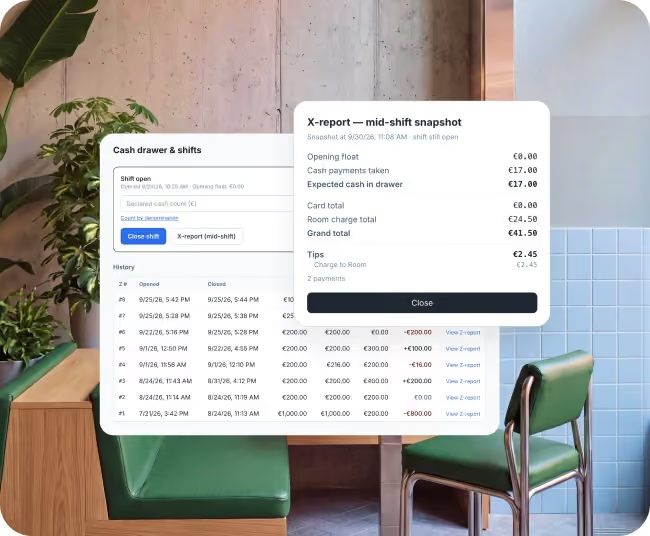
Every shift closes with a clear end-of-day count, so a short cash drawer gets caught that night. In Spain and Portugal, that includes fiscal X and Z reports. Room charges reconcile against the folio as they happen, sales are grouped by category, and stock blocks dishes as ingredients run out. Plus, staff hours are ready for payroll with a signature sheet, already signed off.
Take your restaurant service from chaotic to connected with Amenitiz POS
Your rooms and restaurant were always one business. Now they can run like one.








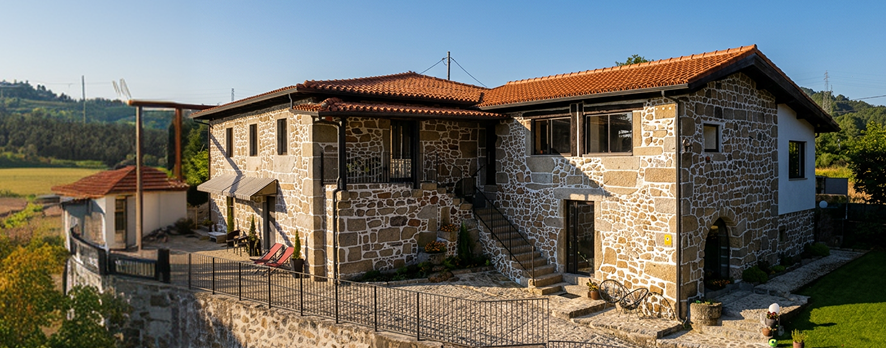

More than 15,000 independent hotels trust Amenitiz to run their daily operations.
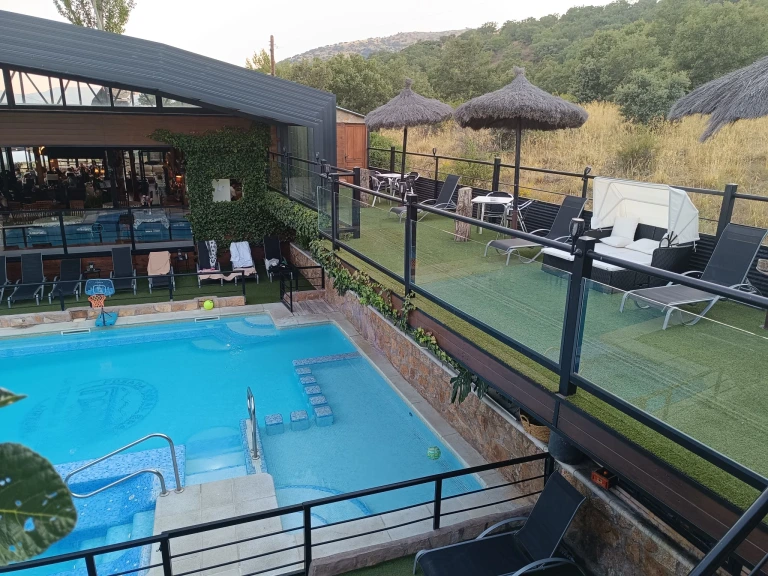
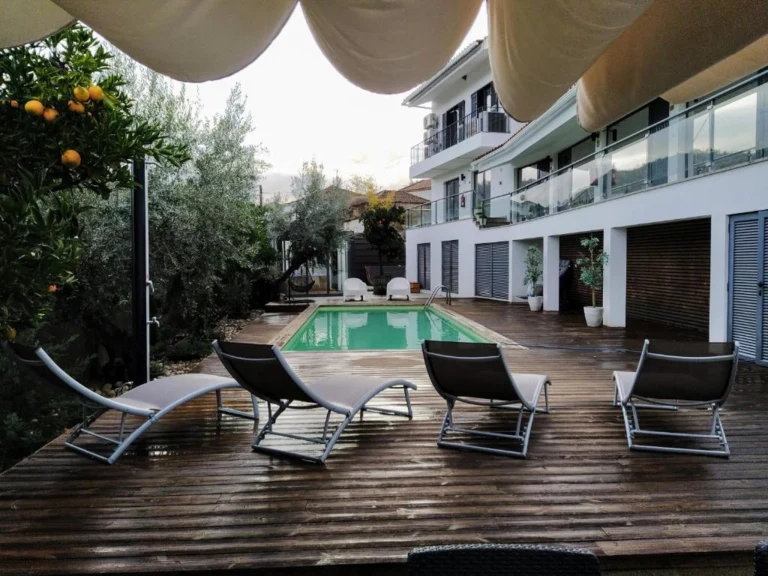



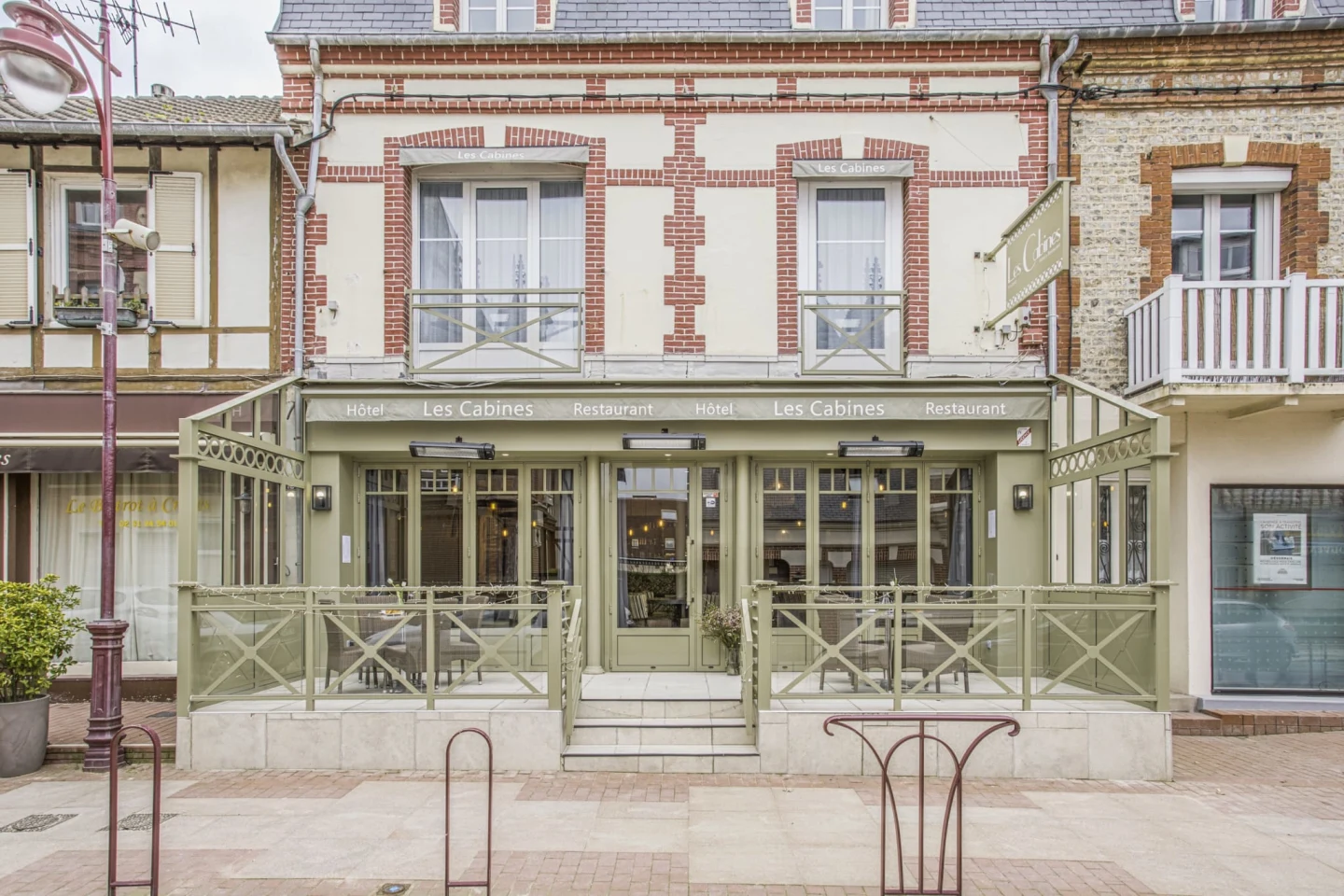


Built for how independent hotels actually work
Stop switching between different systems. Amenitiz handles reservations, payments, pricing, websites, and marketing in one place. Everything connects - so your hotel runs smoother.






Everything you need to know about getting started with Amenitiz POS
1. What is Amenitiz POS?
A point of sale for your restaurant, bar, breakfast service, or terrace, built into Amenitiz. It runs the floor, the kitchen, and payments from a tablet, and can post any charge straight onto the guest's room bill. No separate system, no re-typing.
2. Does “charge to room” actually work, or does someone still have to key it in later?
It posts directly. Search the guest by name, room number or booking reference, tap once, and the charge is itemised on their folio and settled at checkout like any other extra. With Amenitiz POS, nobody's typing charges into folios by hand at midnight.
3. Do I need new payment hardware?
No proprietary terminal or hardware contract. Amenitiz POS runs in a browser or as an app on iPad and Android, and prints to WiFi thermal printers. Card payments run through Amenitiz Pay, and takings settle in the same payout as your room revenue.
4. What if the kitchen printer goes offline mid-service?
The ticket waits and retries on its own — you never lose an order. Worst case, it prints twice once the printer's back.
5. How does staff access work on the floor?
No passwords. Staff tap their name and a PIN to get in. Roles control what each person can do — voiding, refunding or applying a discount needs a manager's PIN. Clock-in can be required before service, and the screen locks itself after five minutes of inactivity.
6. I already use a POS my team likes — do I have to switch to Amenitiz POS?
No. If you run Agora, WinRest or Clyo, you can connect it directly to Amenitiz instead. Restaurant and bar charges still land on the guest's folio automatically, with nothing re-keyed and everything reconciled at checkout. You turn it on yourself from Settings → Marketplace, no project or developer needed.
7. Can I split a bill between guests?
Yes — evenly, by item or by custom amount, with each part settled by its own payment method and its own receipt.
8. Can I take restaurant reservations or is it just for walk-ins?
Both. The floor shows table status colour-coded by area, and you can search for an available table by size and time. Book a reservation and it seats straight into a live bill when the guest arrives. If they don't show, the table releases itself automatically 15 minutes after the slot.
9. How is Amenitiz POS different from a generic restaurant POS system?
A generic restaurant POS doesn't know about your rooms or reservations. Amenitiz POS is built into your PMS, so a restaurant, bar or breakfast charge can go straight onto a guest's room bill, itemised, without any manual re-entry.
10. Can I run more than one area (restaurant, bar, breakfast, terrace) from Amenitiz POS?
Yes. You can set up several areas, each with its own floor plan, such as a restaurant, a bar or a breakfast room. They all share one till for the whole hotel and post to the same guest folios.
11. Can walk-in customers who aren't hotel guests pay directly without a room charge?
Yes. Walk-in customers who aren't staying at the property can pay directly by card or cash at the till — "charge to room" is simply an extra option available when the customer is a registered guest.
12. Is there a limit on how many staff can have their own login PIN?
No — every team member gets their own name and PIN, so you can track who rang up each sale without limiting headcount.
13. Do I need a separate contract or provider for Amenitiz POS, or is it part of my Amenitiz plan?
Amenitiz POS is offered as part of the Amenitiz platform — reach out to your account manager or sales for exact packaging and pricing for your property.